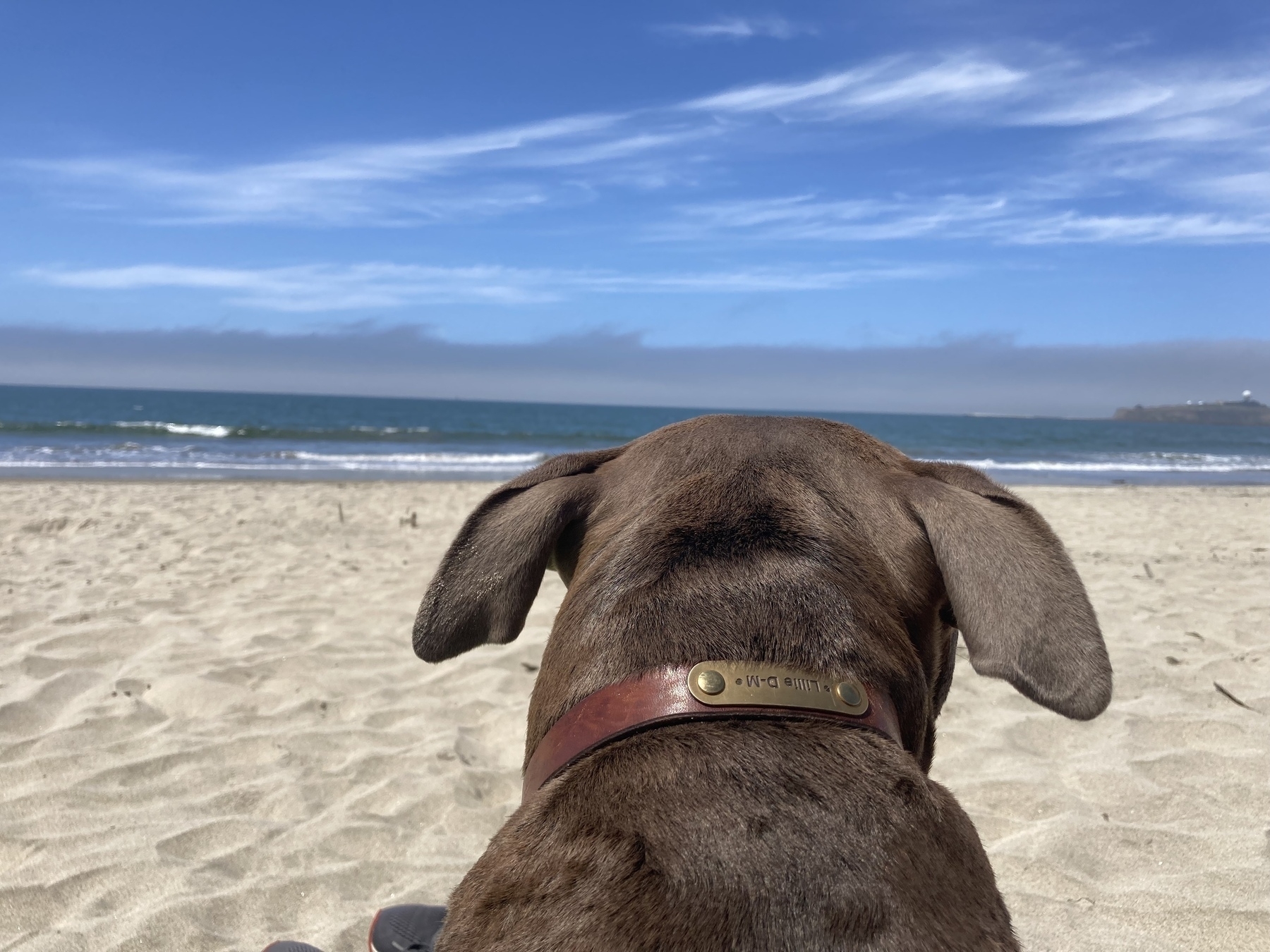
I haven’t done much with the microcast. I think I might do something more with it later.
First things first. Cleaning the home office space.
I’m going to do a presentation in May. I think I’ll make a mind map 🗺️ tonight to brainstorm.
A somewhat lazy day. I’m going to turn it around now.
It's the little things in different browsers
The I thought I would keep it as a comment until I could figure it out and deploy it as a point update.
article ul > li::marker {
/* content: "\2751"; */
}
The problem is that chrome doesn’t care that I had the individual line commented out and was attempting to put it there even though I told it not too.
I moved the comment to outside the item and I’ll let the broswer handle markers until I get a better understanding of how to target the different items.
Simple list of things to do today
- Fold laundry 🧺
- Make dinner
- reevaluate my reason for existence
Should be done before lunch
I wanted to play with the newest version of Ulysses.

I hope that I can make it a more fluid experience.
Well, I know what workouts I’m doing this week.
The images came out too small. I used a different workflow to capture them and can’t replace them at this point. Really kicking myself.
Creating Labarum (Part 6): A Splash of Color
I’m wrapping up this series. I’ve been playing with this theme for more than a year. Rarely consistent and not always forward progress but rewarding. I’m at a point where I’m very happy with how the theme looks.
This is what it looks like in dark mode.
Colo(u)rs
I wanted to use the Nord color scheme at the beginning of this project, but decided to use “basic” colors to simplify the design. I eventually grew to love the look of the page as the content was the star.
Later I found that some of the elements on the page don’t work well for those who are color blind and the starkness of having an all white background made me rethink whether the site would do well with long pieces.
I first came across the Nord color palette when I met Jessica Smith online using the micro.blog service.
Fonts
I did not want to use online fonts.
True, they can look really nice but I didn’t want to use bandwidth on something that could slow down the site or cannot guarantee to work in the coming years. In addition, there are privacy concerns when it comes to web fonts that I didn’t want to contribute to.
After a significant amount of time looking for accessible fonts that are all the major OSes, I went with Verdana for my main text font and Garamond for headers.
Figures
I decided that I wanted the items in a figure to take have the same effect as the articles but take the main background so that it would have a stacking effect.
Here are some pictures of what the figures looks like in dark mode.
Tables
I typically don’t use tables in my writing, but I thought I should add a little bit of styling in case someone else feels the need.
Here it is in and dark mode.
Tasks lists
This was the hardest part to solve because most of the Hugo themes do not address tasks lists. To be clear, these are static lists created by the writer and not something a reader is expected to interact with.
Dark mode for the task list.
Most themes will have something like the following code to remove the markers that show up in an unordered list.
/* task list and its checkboxes */
article ul > li:has(> input[type="checkbox"]) {
list-style: none;
margin-inline-start: -1rem;
}
article ul > li:has(> input[type="checkbox"])::before {
content: "\200B"; /* accessibilty for Safari [developer.mozilla.org/en-US/doc...](https://developer.mozilla.org/en-US/docs/Web/CSS/list-style) */
}
Eventually, I found a wonderful example in the Hugo Relearn theme that was written about on Modern CSS applied it to what I had.
Reflection
I’m happy with the theme.
There are still somethings that I want to improve upon and I invite you all to comment and help me make it better in the future. I’ve also made a post on my test blog that should have a lot of examples of the theme in action.