Just a small picture of Lillie.
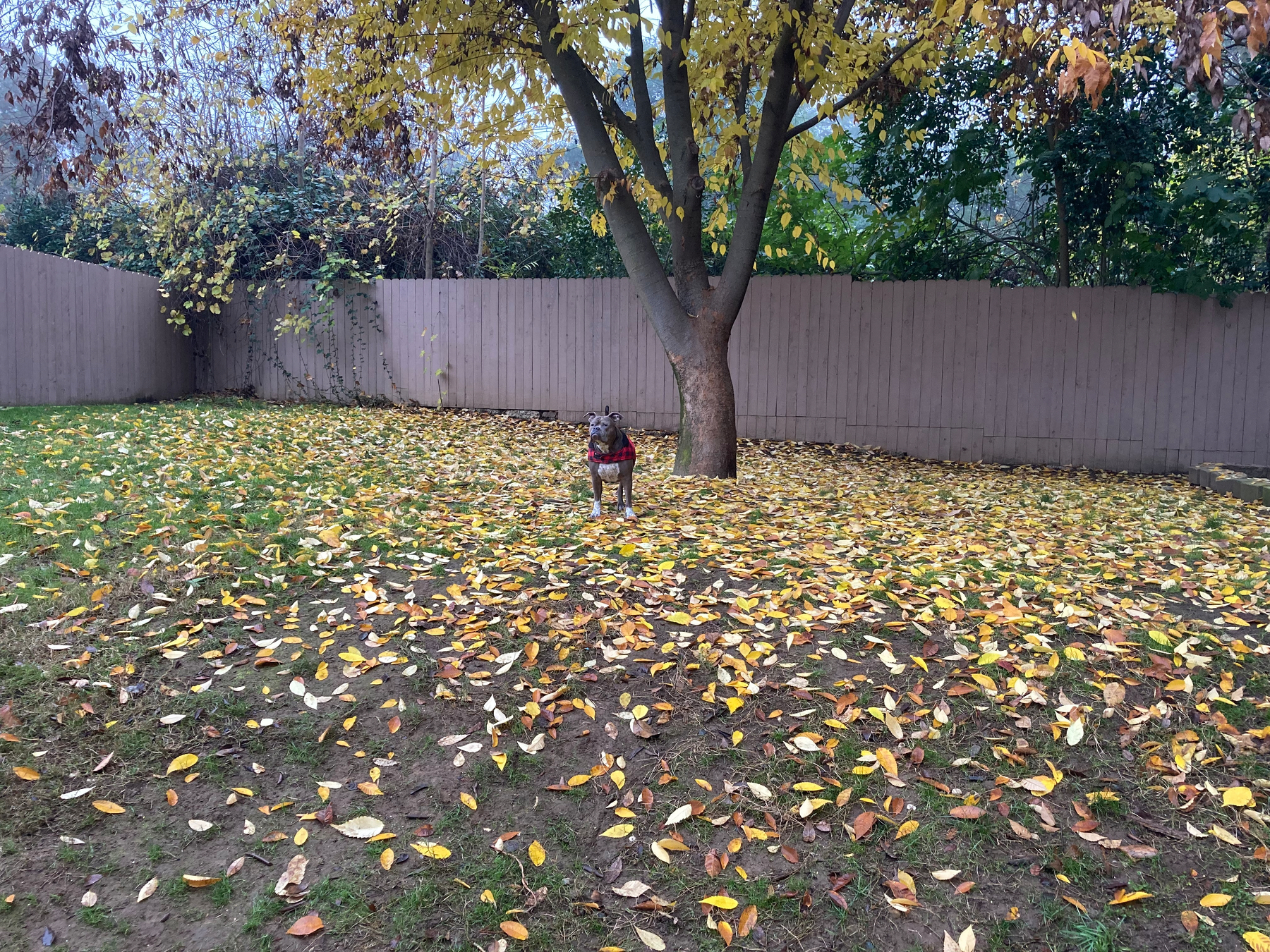
Just a small picture of Lillie.
"I Got You Babe (Single Version)" by Sonny & Cher
What's a song you associate with your favorite holiday?
I told my wife that my favorite holiday was Groundhog Day and she challenged me to name one song that celebrates the holiday.
I feel that this is the most iconic song from the movie that highlights the holiday!
"Sexual Healing" by Marvin Gaye
Share a song that feels like it has healing powers.
I showed my selection with my wife and she laughed in my face. Good thing laughter is good medicine.
One of my favorite things about this song is that I remember watching a pop up video stating that he thought videos capture your soul.
"Tomorrow" by Aileen Quinn & Orphans
What song makes you think about the future?
I was trying to think of another song, but this is the only thing that came to me.
I keep forgetting that the <marquee> tag still exists.
"Whistle While You Twurk (ColliPark Mix)" by Ying Yang Twins
What's your favorite song to listen to while doing chores?
I don't actually listen to this song. I just picked it because it reminds me of the whistle why you work song.
"You Can't Win (The Wiz/Soundtrack Version)" by Michael Jackson
Share a song that sounds like your favorite childhood memory.
My mother and I would watch The Wiz on a regular basis. This is one of my favorite songs from the movie. It's a a fun song in that it has an up tempo beat with some depressing lyrics.
"Float On (Single Version)" by The Floaters
What song makes you feel like you're floating?
I remember listening to this song and thinking it was The Temptations.
There aren't that many songs that I know of where they take the time to introduce all the members of the group.
Larry is my favorite.
"Best Friend (feat. Doja Cat)" by Saweetie
What's a song you'd want your best friend to hear for the first time?
If you want to count my wife, then I think she would like to experience listening to this song again.
"Home" by Daughtry
Share a song that captures the feeling of being homesick.
This was a very big hit when it was first released. I remember it being used in commercials and rom-coms where the protagonist goes home after having a rough time "in the big city".
I’m very hopeful for iOS 28 and 29.
At what point is the price of Netflix too high for some people? I refuse to go to an add tier and I’ve been playing with the idea of shutting it off.
"We Are the World" by U.S.A. for Africa
What song makes you feel like you're part of something bigger?
I wish there were more songs about world peace. I guess I'll have to settle for the Pluribus soundtrack.
"Friendship" by Tenacious D
What's your favorite song about friendship?
I think this song is special to me because I heard it when I became friends with my Best Friend. It's a nice little number and I think I'm going to listen to it after posting.
"4 Seasons of Loneliness" by Boyz II Men
Share a song that captures the moment when seasons change.
I feel that this is one of the songs that really showcase what Boyz II Men could do. It's a song with a very simple backing track that allow the Boyz to demonstrate how they can do an interplay of vocal runs.
"We Will Rock You" by Queen
What song do you associate with your favorite book or movie?
In the movie "Dodgeball", there is a scene where they introduce the Globo Gym Purple Cobras, using this song.
"Lovely Day" by Bill Withers
Share a song that sounds like your favorite weather.
Some like it hot, some like it cold.
I like it somewhere in the middle 'cause I'm kind of old.
Wherever you are on the spectrum, I hope that this post finds you having a lovely day.
"Be Prepared" by Jeremy Irons, Whoopi Goldberg, Cheech Marin & Jim Cummings
What's your go-to song for getting ready in the morning?
Honestly, shouldn't we all be prepared for what is going to happen in the day. I understand that this song has evil intentions, but the songs of the villains have something that can inspire all of us. And that is having a plan can lead you to success.
"Ain't No Woman (Like the One I've Got)" by Four Tops
What song makes you feel nostalgic for a time you never lived through?
I like the music but definitely do not want to live through that era of American history.
"Minimum Wage" by They Might Be Giants
Share a song that perfectly soundtracks your commute.
We all have to make a living in this modern world. I think about all those who are living paycheck to paycheck.
I'm grateful for what I have and hopefully good things happen to those who read this.